
版本介绍
Build.24648463|容量25.6GB|官方简体中文|支持键盘.鼠标.手柄
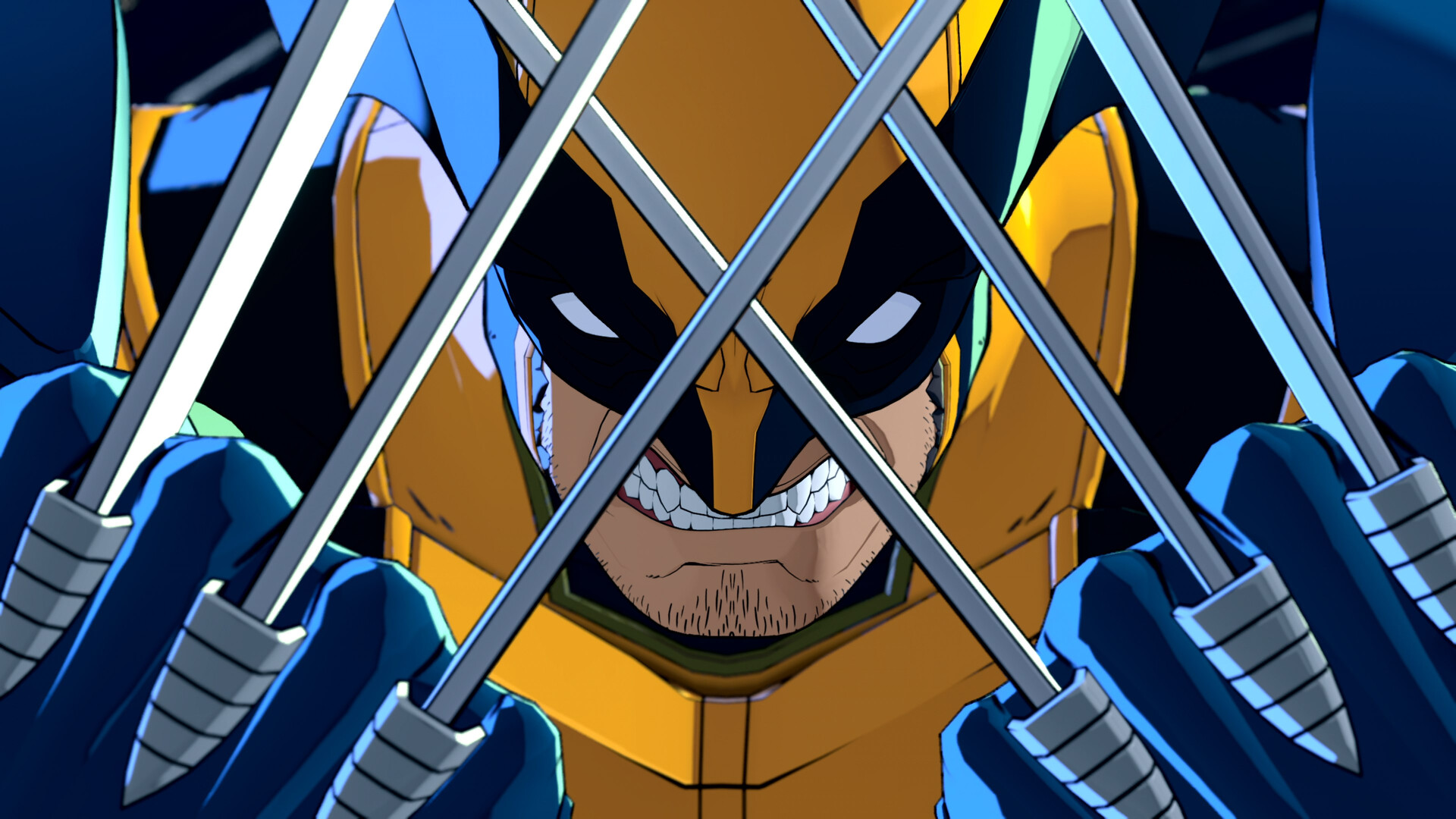
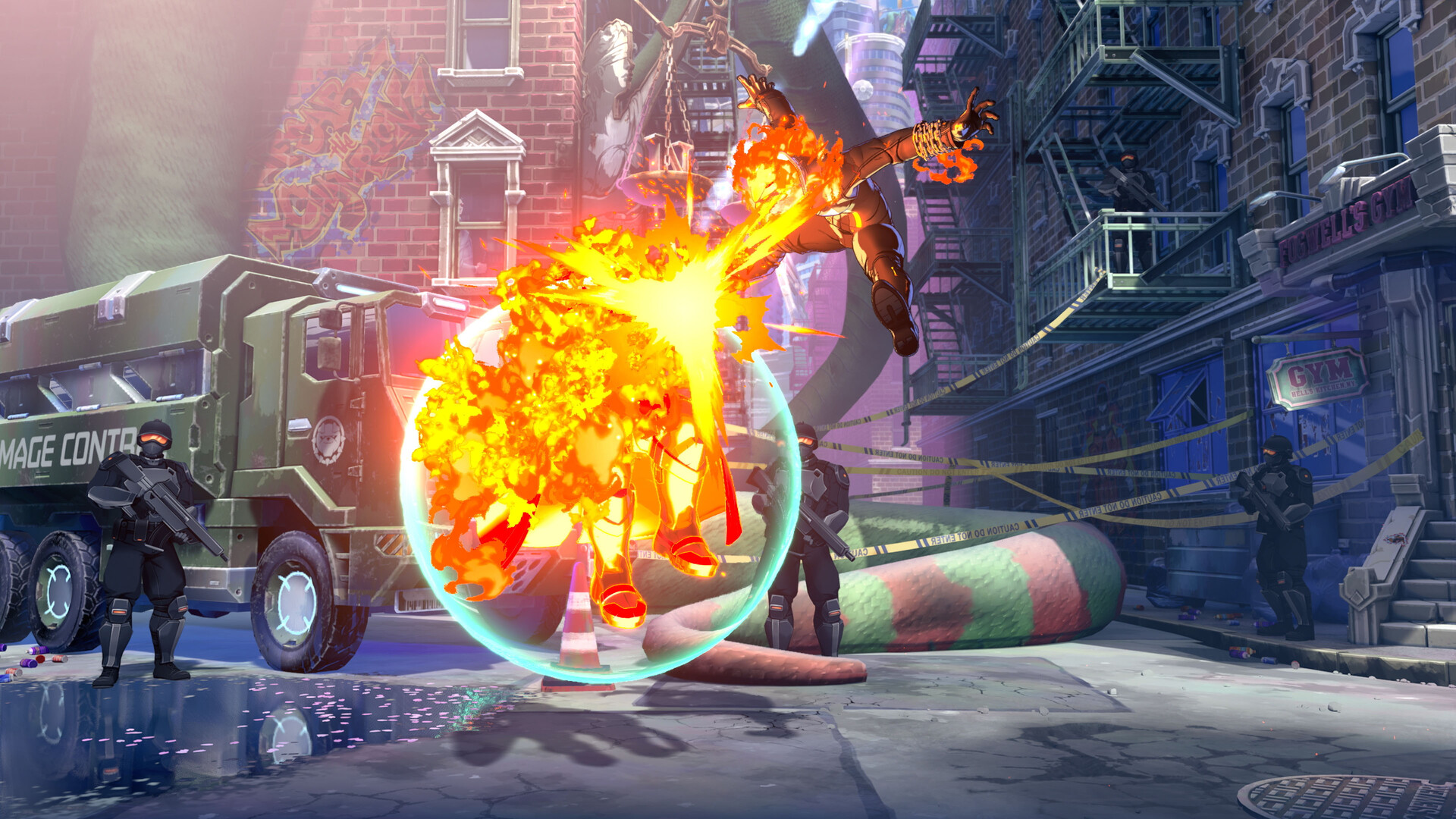
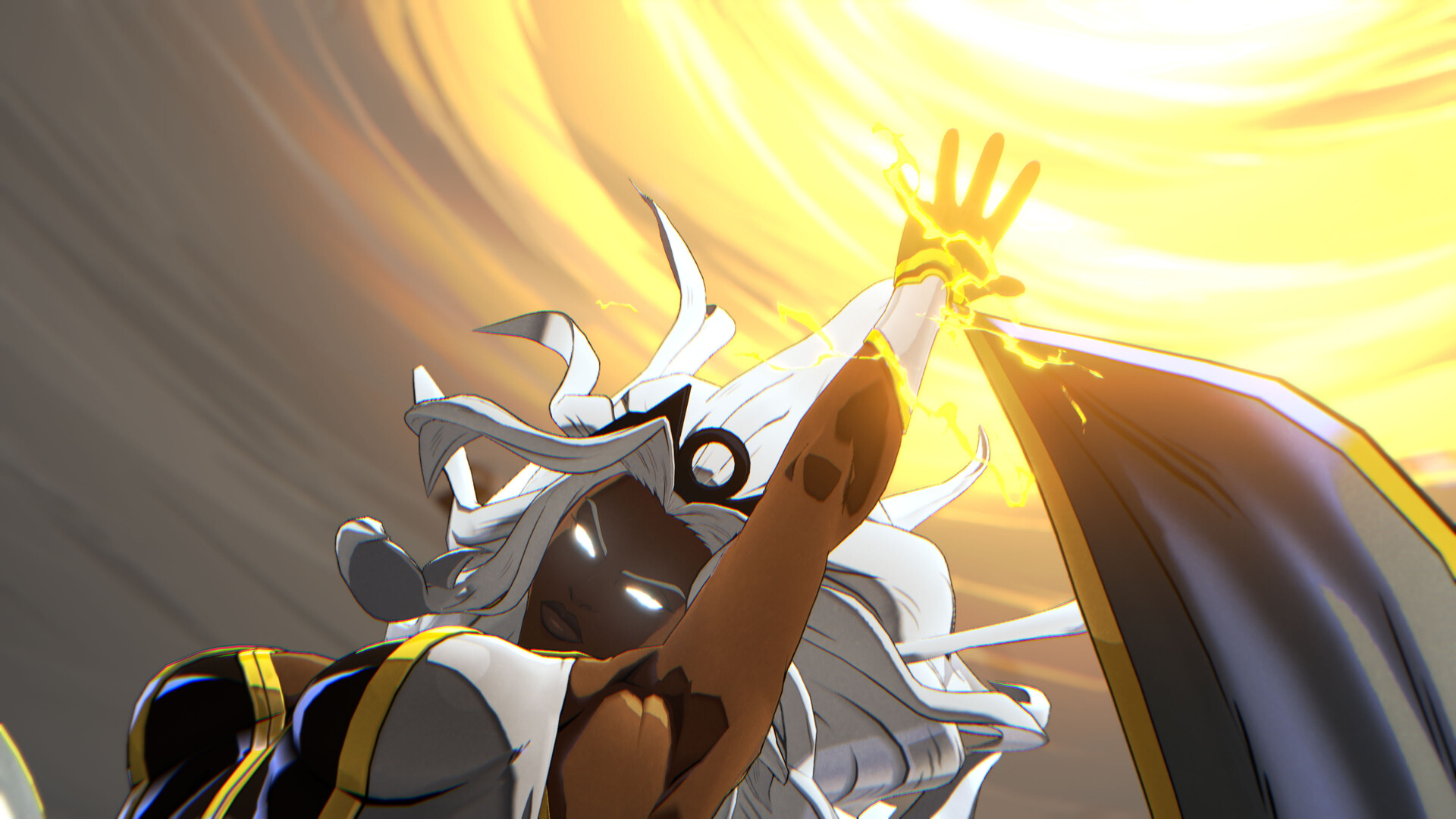
游戏介绍
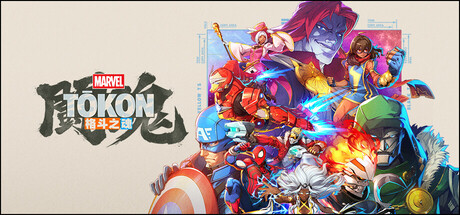
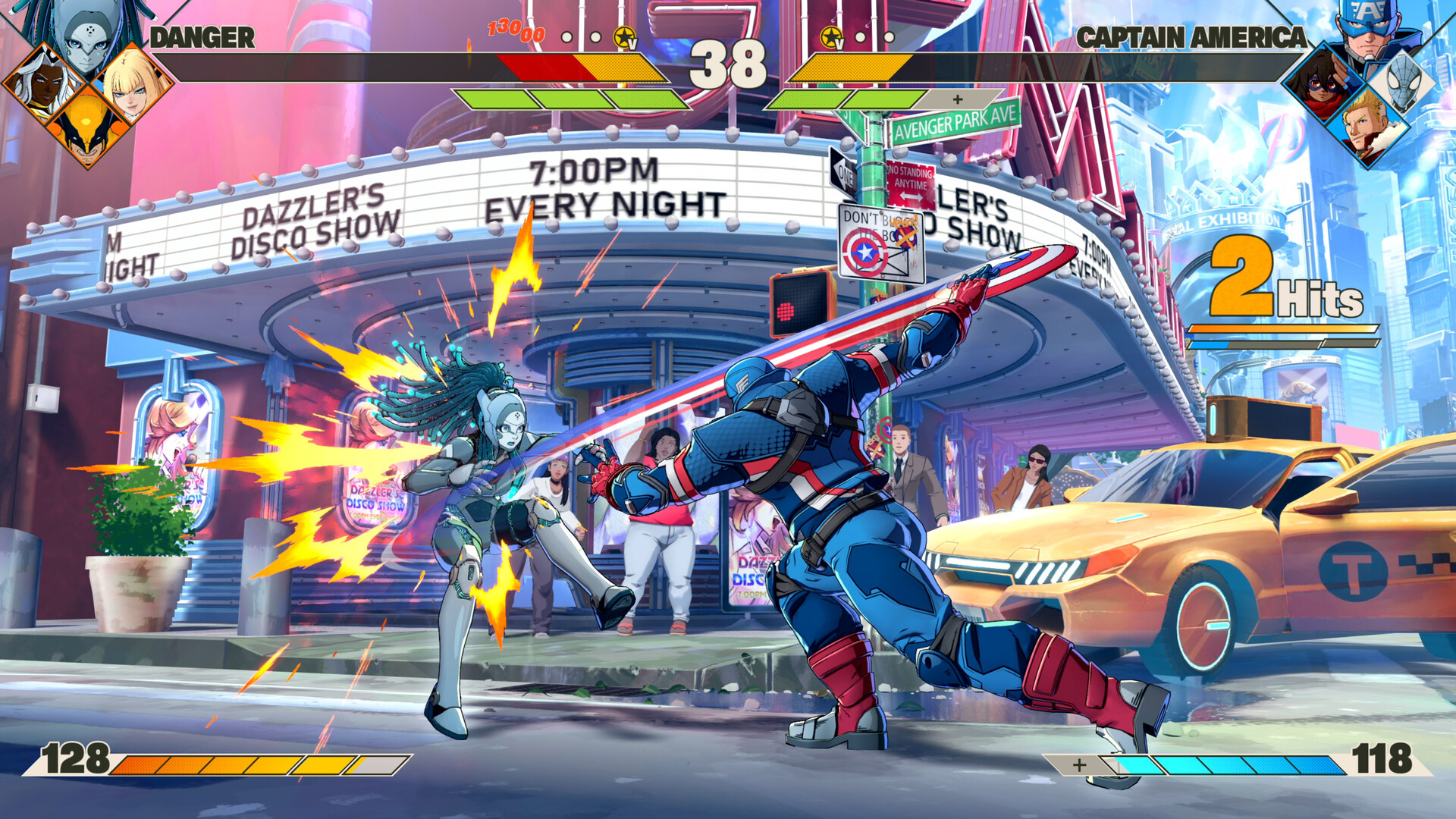
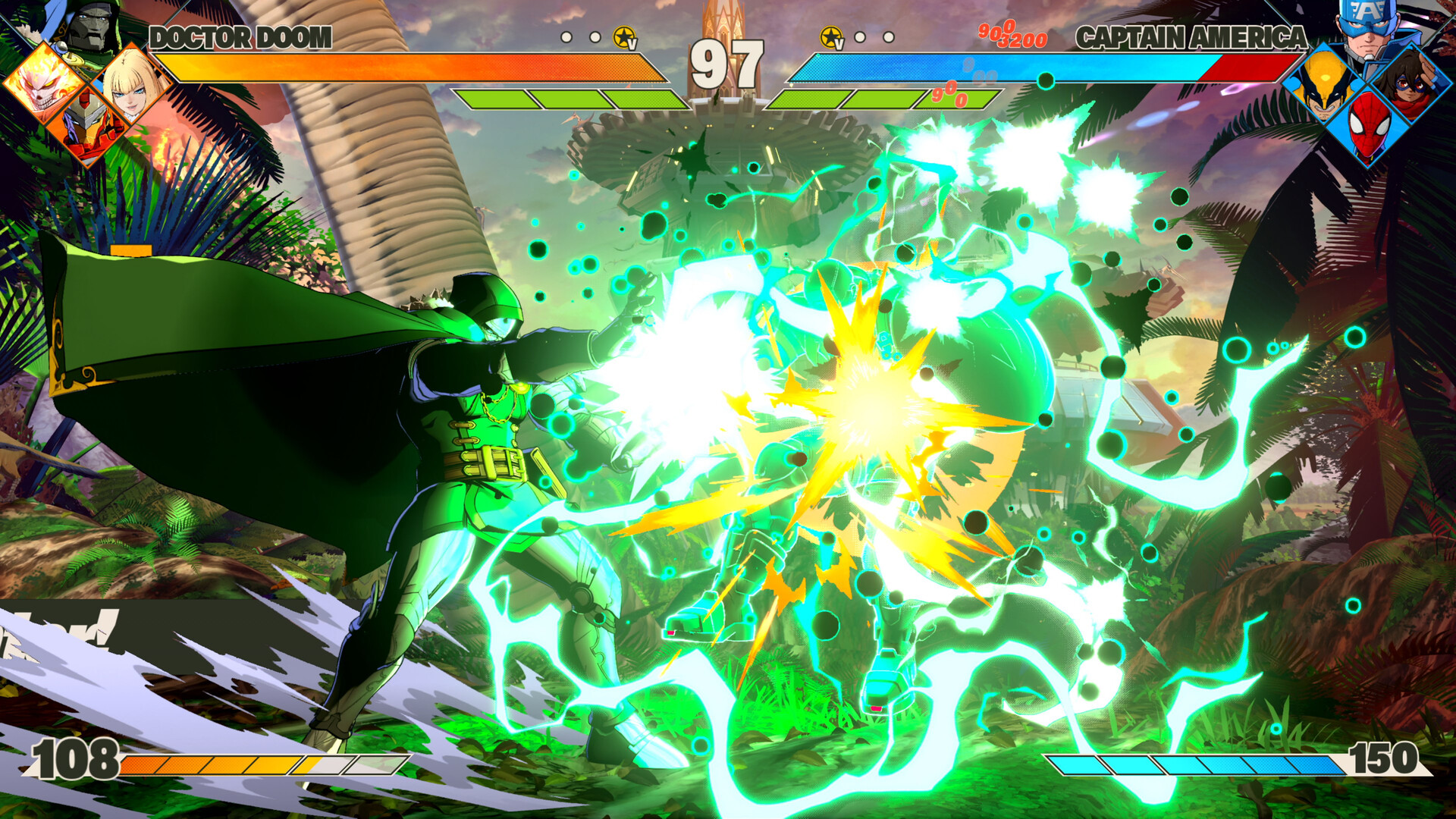
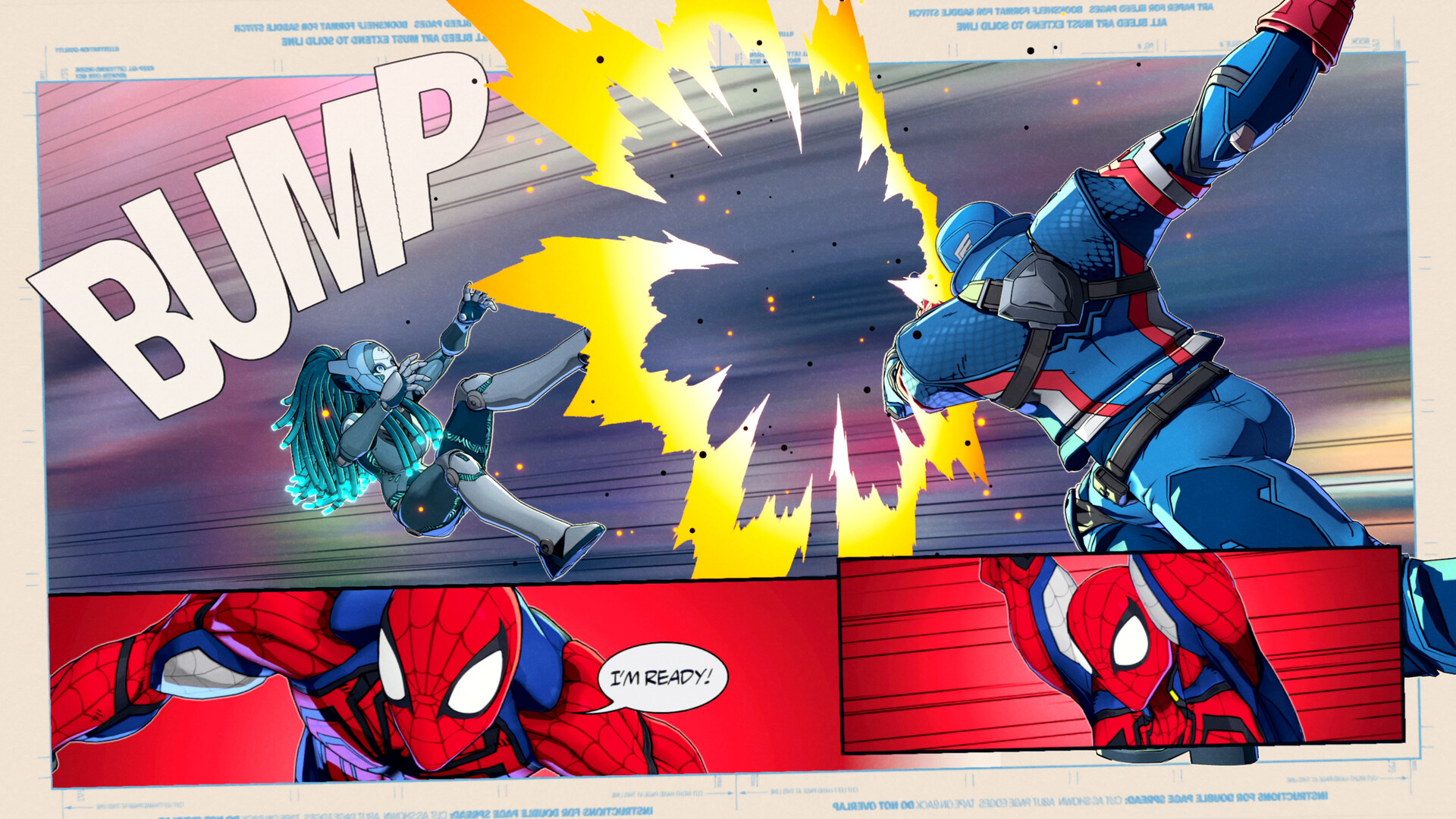
这是一款终极4v4团队格斗游戏。在游戏中,您可以集结传奇的漫威角色,组建属于自己的超级英雄战队,进行激动人心的战斗。
游戏特色内容
- 游戏视频
- 游戏截图
如何启动与游玩
主要玩法:
- 启动 Steam 客户端。
- 在游戏的安装主目录下,找到并运行“start_protected_game.exe”来启动游戏。
重要提示: 通过 Steam 启动后,您的状态可能会显示为正在玩《Spacewar》(太空战争),此为正常现象。
可能遇到的问题及解决方案
启动游戏时,您可能会遇到一些错误弹窗。通常情况下,这些错误不会影响游戏的正常运行。
- 常规处理: 您只需点击弹窗上的“确定”按钮,游戏即可继续正常启动和运行。
- 进阶处理: 如果这些错误弹窗令您感到困扰,或者游戏完全无法启动,请按照以下步骤操作:
- 进入游戏安装目录下的以下路径:
MTFS\Binaries\Win64\Prerequisites - 依次运行其中的两个脚本文件:
eos_eac_install_29e5cd54310aa0162befef42f9509cd3a9b0678f.batpspcsdkruntime_6.50.00.10.bat
这将为您的系统安装游戏运行所必需的组件。
- 进入游戏安装目录下的以下路径:
版本信息
- 版本号: Build.24648463
- 游戏容量: 约 25.6 GB
- 语言支持: 官方简体中文
- 支持的操作设备: 键盘、鼠标、手柄
How To Play (English)
- Launch Steam.
- Launch the game using
start_protected_game.exelocated in the game’s main directory.Note: When launched through Steam, it will show that you are playing Spacewar.
Potential Launch Issues & Fixes
When launching the game, you may encounter a few error messages. These have never caused any functional problems with the game.
- Standard Procedure: Simply click “OK”, and the game will continue to launch normally.
- If Issues Persist: If these errors bother you or the game refuses to launch, please run the following script files from:
MTFS\Binaries\Win64\Prerequisiteseos_eac_install_29e5cd54310aa0162befef42f9509cd3a9b0678f.batpspcsdkruntime_6.50.00.10.bat
This will install the necessary components for the game to run.
声明:本站所有文章,如无特殊说明或标注,均为本站原创发布。任何个人或组织,在未征得本站同意时,禁止复制、盗用、采集、发布本站内容到任何网站、书籍等各类媒体平台。如若本站内容侵犯了原著者的合法权益,可联系我们进行处理。

评论(0)